
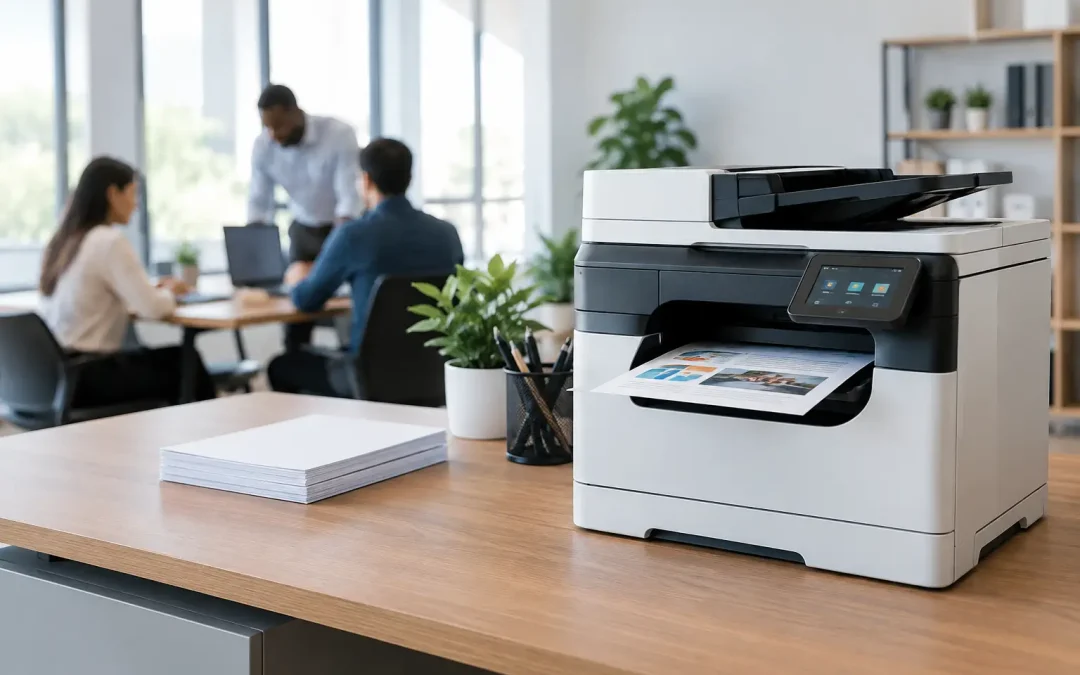
A printer becomes a business problem long before it stops working. It starts with staff waiting for jobs to release, invoices printing with faded text, paper jams during a client deadline, and scan files landing in the wrong inbox. The best office printers prevent those small interruptions from becoming a daily drag on productivity.
For a growing business, the right device is rarely the cheapest machine on the showroom floor. It is the one that matches your actual print volume, protects sensitive information, supports digital document workflows, and stays dependable as your team expands. That usually means looking beyond a basic printer and evaluating a multifunction device as part of your wider operations system.
What Makes the Best Office Printers Worth the Investment
The best office printer is not necessarily the fastest or the most feature-packed. It is the device that produces a measurable improvement in how your people work. For an owner-led business, that can mean less time spent resolving print issues. For an operations manager, it can mean faster approval cycles and fewer manually filed documents. For finance teams, it can mean predictable operating costs rather than repeated emergency purchases of ink, toner, and replacement parts.
A multifunction printer, often called an MFP, combines printing, copying, scanning, and sometimes fax capabilities in one managed device. That consolidation matters because business documents rarely begin and end on paper. A purchase order may need to be scanned, named, routed to an approver, stored in a shared folder, and retrieved months later. A printer that only produces pages does little to improve that process.
The strongest office devices support the shift from paper-heavy administration to structured digital workflows. They can scan directly to email, network folders, cloud storage, or selected business applications. With the right configuration, staff spend less time handling documents and more time acting on them.
Start With Your Real Print Environment
Before comparing models, assess what happens around your current device during a normal month. A business that prints 500 black-and-white pages monthly has very different needs from a company producing sales proposals, contracts, marketing collateral, and shipping documents every day.
Print volume is the first consideration. Look at monthly page counts, then allow room for growth. Choosing a small device for a busy office can create excessive wear, slow output, and frequent consumable changes. Buying an enterprise-scale machine for a five-person team, however, may tie up capital in capacity you will not use. The goal is a sensible fit, not the largest specification.
Next, consider the type of output your business relies on. Black-and-white printing remains cost-effective for internal forms, reports, and operational documents. Color is valuable when your teams regularly produce customer-facing proposals, training material, presentations, property listings, product sheets, or branded communications. If color quality influences how customers view your business, it should be treated as a commercial requirement rather than a cosmetic extra.
Paper handling also shapes day-to-day convenience. A single-tray machine may be adequate for a small team using standard letter-size paper. Offices that switch between plain paper, labels, envelopes, letterhead, and heavier stock benefit from multiple trays and adjustable media settings. This reduces interruptions and helps protect preprinted stationery from costly mistakes.
Choose Multifunction Features That Remove Work
The value of a multifunction device is determined by the workflow it improves. Fast print speed is useful, but scan performance can have an even greater effect on administrative efficiency.
For offices that process contracts, invoices, delivery orders, application forms, or HR records, prioritize a reliable automatic document feeder. A dual-sided feeder can scan both sides of a document in one pass, reducing handling time and helping staff digitize larger batches accurately. Optical character recognition can also turn scanned pages into searchable files, making records easier to locate later.
Direct scan destinations deserve equal attention. A device should make it simple to send documents to the places your team already works, whether that is email, a shared network folder, cloud storage, or a document management platform. The process needs clear file naming and appropriate access rules. Otherwise, a fast scanner simply creates a larger pile of poorly organized digital files.
User authentication is another practical feature. Staff can sign in with a PIN, card, or directory credentials before printing or scanning. This helps prevent confidential documents from being left unattended in output trays and can create usage visibility by department or user. For businesses handling client information, payroll records, legal documents, or financial data, that control is essential.
Compare the Cost of Ownership, Not Just the Purchase Price
An attractively priced printer can become expensive after installation. Consumables, service calls, downtime, energy use, and staff time all contribute to the actual cost of ownership.
Start by reviewing the expected yield and cost of toner or ink. Toner-based laser multifunction devices are often a strong choice for businesses with regular, higher-volume printing because they generally offer efficient output and sharp text. Inkjet options can suit lower-volume or color-focused needs, but the best fit depends on usage patterns, color expectations, and the total cost of consumables.
A managed device plan can make budgeting more predictable. Rather than purchasing supplies only when they run out and reacting to faults after they disrupt work, a plan can include maintenance, toner replenishment, and service support. This is particularly useful for lean teams without an internal IT department or a dedicated office equipment specialist.
Downtime has a cost that is easy to overlook. When staff cannot print signed documents, scan supplier invoices, or copy onboarding materials, work does not simply pause. It shifts to manual workarounds, delayed decisions, and avoidable frustration. A dependable service arrangement can be more valuable than a minor saving on the initial device price.
Security Is Part of Printer Selection
Office printers are connected endpoints on your business network. They store data temporarily, receive documents from multiple users, and may connect to email or cloud services. Treating them as simple appliances creates an unnecessary security gap.
Look for devices with secure print release, encrypted communication, administrator controls, and the ability to manage user permissions. Automatic firmware updates and secure data overwrite functions are also worth discussing with your provider. These features matter most when a device handles sensitive documents, but they are sensible safeguards for any connected office.
Security needs to be matched with ease of use. If secure printing requires too many steps, employees may bypass it or send documents through less controlled channels. A well-configured device makes the secure choice the convenient choice.
The Best Office Printers Should Scale With Your Team
A new printer should support where the business is heading, not only where it is today. Consider whether you may add staff, open another location, introduce mobile working, or move more records into a digital system within the next two years.
Cloud and mobile print capabilities can help distributed teams work without sending files to a single administrator. Centralized device management can simplify support when multiple offices use similar equipment. For expanding companies, standardizing devices and workflows also makes onboarding easier and keeps document processes consistent.
This is where a consultative approach pays off. CSS Office Solutions works with businesses to align Fujifilm multifunction devices with the way teams print, scan, share, and protect documents. The device is only one part of the solution. Configuration, user adoption, maintenance, and integration with existing processes determine whether it delivers real operational value.
Questions to Ask Before You Commit
A supplier should be able to answer practical questions clearly. Ask how the recommended device is sized for your current and expected monthly volume. Confirm which consumables and service costs are included, how quickly support is available, and what happens if the device requires repair. If scanning is a priority, request a demonstration using the types of documents your staff process every day.
Also ask how the device will fit into your existing network and document workflows. Can it scan to the required destinations? Can users release confidential print jobs securely? Can administrators track use without creating unnecessary work? These details reveal whether you are buying equipment or building a more efficient office process.
The right printer should make itself less visible over time. Staff should spend fewer minutes waiting, searching, reprinting, and troubleshooting, while documents move more quickly from paper to action. That is the standard worth using when selecting your next office device.